HubSpot AI gets a lot of attention right now, and for good reason. It's built into the CRM you're already paying for. But it isn't the only AI you can point at your HubSpot data. You can also connect Claude, and the two are good at different jobs.
I covered what HubSpot AI does in an earlier post. This one is about the comparison: where HubSpot AI wins, where Claude does more, and how to use both without paying for things you don't need. I use both. That's the basis for everything below.
What HubSpot AI Is Built For
HubSpot AI, which HubSpot calls Breeze, lives inside the platform. It has three parts. Breeze Assistant is a chat panel that drafts emails, summarises records and answers questions about your CRM. Breeze Agents work in the background on specific jobs like answering customer chats or researching prospects. Breeze Intelligence enriches records and flags buying interest.
Its strengths are real:
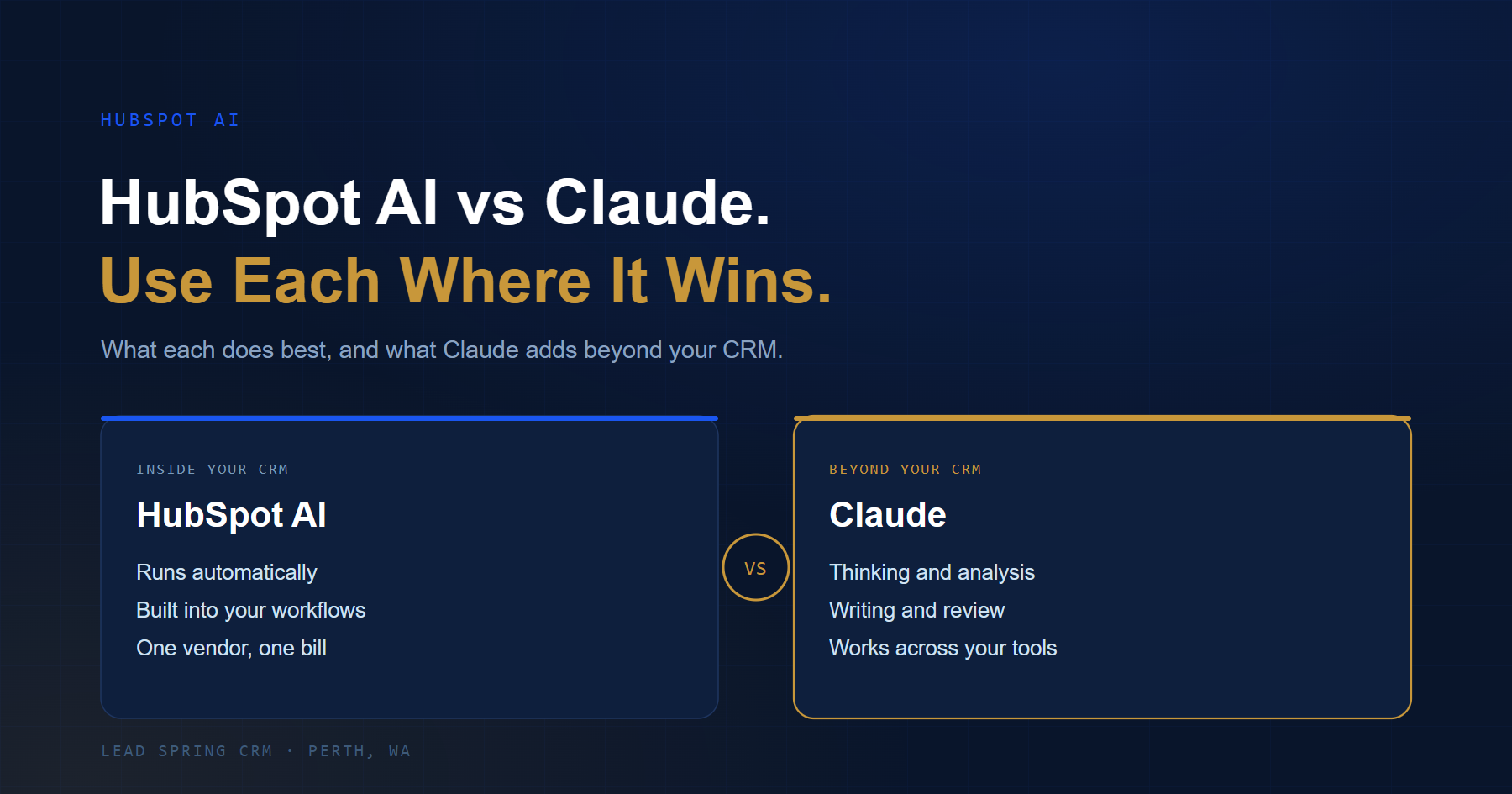
- It's already there. No setup, no extra tool, no second login.
- It runs automatically. Agents work without anyone prompting them, which a chat tool can't do.
- It's one bill and one vendor. Assistant is free on every tier. The Customer Agent is billed per resolved conversation, and the Prospecting Agent per lead. Other features draw from a monthly credit pool.
- It acts inside HubSpot's workflows. Triggering from a form or a deal stage is what it's designed for.
If you want a task to happen on its own, inside HubSpot, with nobody asking, HubSpot AI is the right tool.
What Claude Is Built For
Claude is a general-purpose AI. You give it a task in plain English, and it works through it with you. It isn't tied to one platform, which is the main difference.
You can connect Claude to HubSpot through an official connector. Once you've signed in and approved what it can access, Claude can search and read your records, create and update them (not delete), log activities, review marketing email performance, and help build landing pages. A HubSpot admin controls the permissions. You'll need a paid Claude plan, and one guide notes bulk changes are capped at 10 records per request, so it's not a tool for mass data updates.
Where that gets interesting is what Claude can do on top of your data, and outside HubSpot altogether.
What Claude Can Help You Achieve Beyond HubSpot AI
Ask open-ended questions across your data. "Which deals have gone quiet in the last 60 days, and what do they have in common?" is a thinking question, not a record lookup. Claude is good at reasoning through it, and explaining what it found in plain language.
Write and review longer, more careful work. Proposals, case studies, onboarding documents, a clear summary of a messy pipeline. Claude handles long documents well, so you can give it a whole contract or a 30-page report and ask for the key points.
Work across more than your CRM. Your business doesn't live only in HubSpot. There are spreadsheets, PDFs, emails, accounting data and notes. Claude can work with files you give it, and with other tools through connectors, so it can compare what's in HubSpot against what's in a spreadsheet or document.
Analyse and explain. Paste in last quarter's numbers and ask what changed and why it matters. Ask it to check a pricing quote for mistakes. Ask it to turn a rough process into a clear checklist.
Build things. Claude can draft HTML for a landing page, write a formula for a spreadsheet, or sketch how a workflow should work before you build it. That's useful when you want to get something done without hiring a developer for every small job.
Think through decisions. "I have 3 hours a week to spend on follow-up. How should I split it?" HubSpot AI isn't built for questions like that. Claude is.
HubSpot AI vs Claude at a Glance
| HubSpot AI (Breeze) | Claude | |
|---|---|---|
| Where it lives | Inside HubSpot | Separate, connects to HubSpot |
| Runs on its own | Yes, agents work in the background | No, you start the task |
| Best at | Automated tasks inside the CRM | Thinking, writing and analysis |
| Works beyond HubSpot | No | Yes, with files and other tools |
| Cost | Free assistant, credits and per-outcome fees | A paid Claude plan |
| Needs clean data | Yes | Yes |
Where Claude Falls Short
Being honest about this matters. Claude won't answer your website chat at 2am, and it won't trigger itself when a form is submitted. It only sees what you've connected or given it. Bulk updates are limited. And like any AI, it can be wrong, so check anything customer-facing or financial before it goes out.
Both tools share one rule: messy CRM data gives messy answers. If your records are incomplete, neither will give you much.
How I'd Use Both
Use HubSpot AI for work that has to happen automatically inside the platform: answering routine chat questions, enriching new contacts, drafting first-pass emails.
Use Claude for work that needs thinking: reviewing your pipeline, writing a proposal, analysing why leads are dropping off, planning a workflow before you build it.
- Clean your data first. Fix duplicates and fill gaps.
- Switch on Breeze Assistant and enrichment. Both are low-risk.
- Add one HubSpot agent, usually the Customer Agent, and watch the cost for a month.
- Connect Claude, and start with read-only questions while you build trust.
None of this replaces people. It takes repetitive admin off your team so they can spend time on the work where a human makes the difference.
Book a Free CRM Chat and I'll show you which of these fit your business, and set them up properly.